In-Thread Replies
Stay in the thread
Inline reply and quote selection let you respond in place instead of jumping across pages.
 Orange Juice
Hacker News Browser Extension
Orange Juice
Hacker News Browser Extension
Read faster, reply in context, and keep your flow on Hacker News
Orange Juice removes the small frictions that slow down daily Hacker News use. You spend less time navigating and more time reading, writing, and keeping up.
Because Hacker News is great, but repetitive UI friction adds up. Orange Juice keeps the original feel while removing the things that cost you time every day.
In-Thread Replies
Inline reply and quote selection let you respond in place instead of jumping across pages.
Unread Tracking
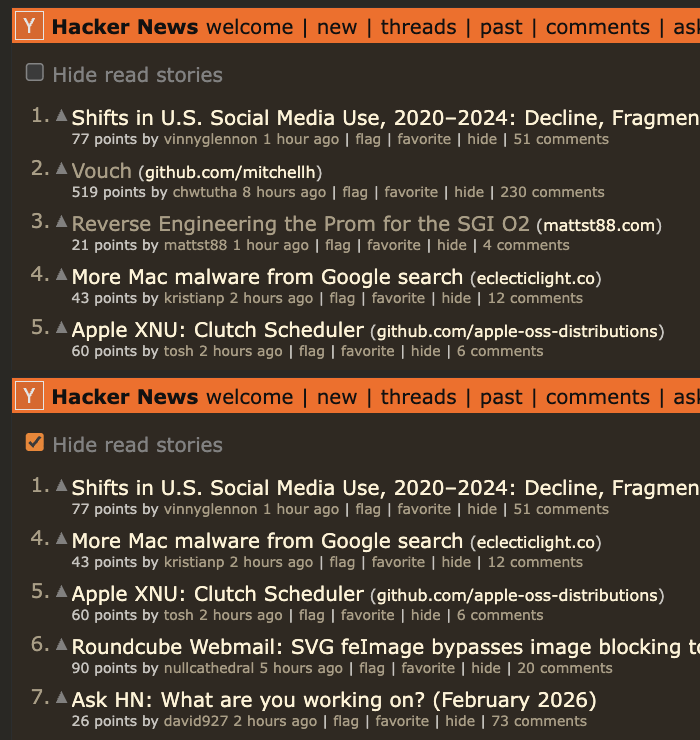
Unread comment highlighting and hide-read controls make it obvious what is new and what you already covered.
Favorites
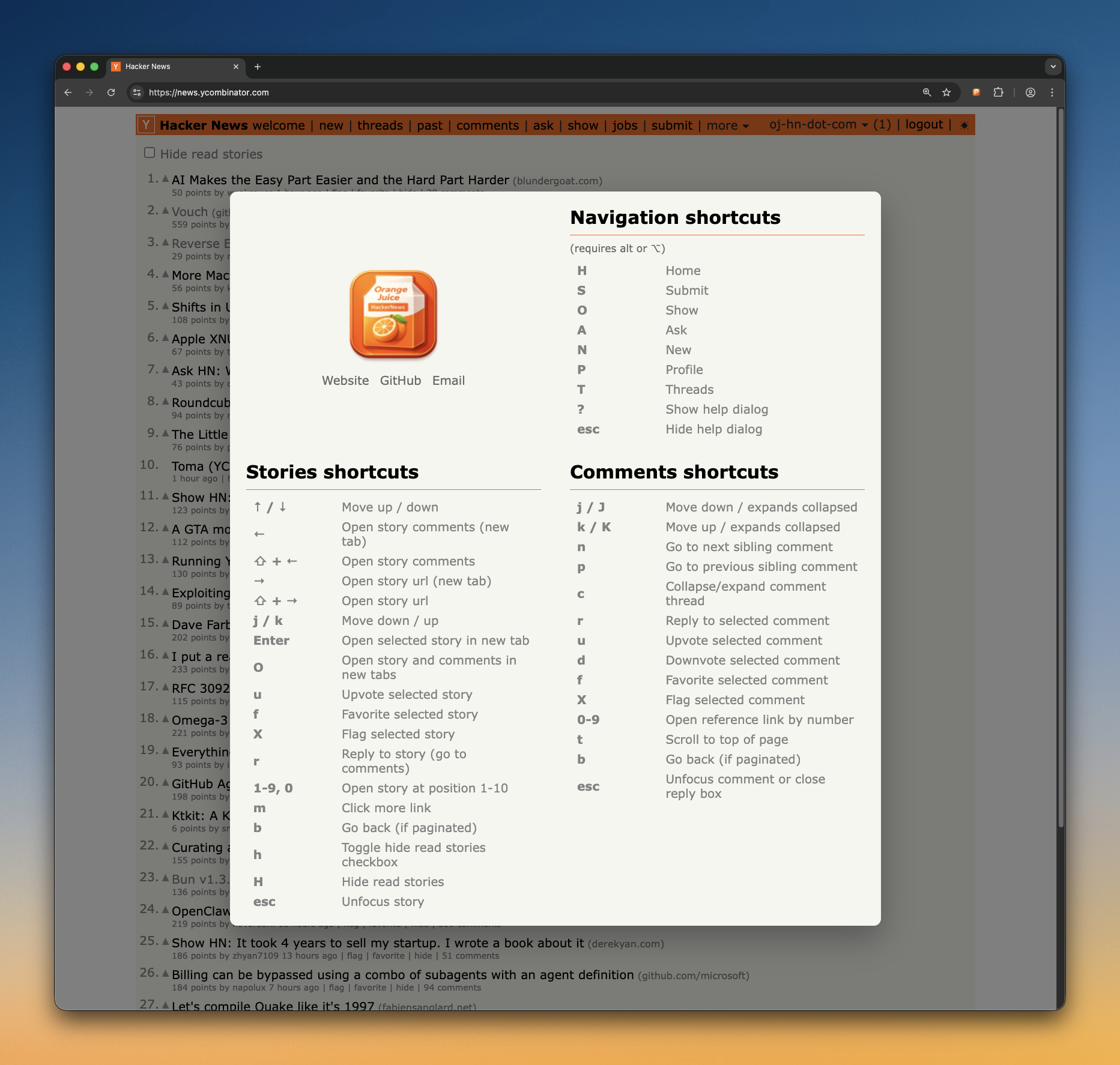
Use keyboard commands to favorite stories and comments while reading so you can quickly find them again later.
This is not a complete list of features, but it shows what we’re actively building and already delivering. Even this subset should make a strong case for installing Orange Juice.
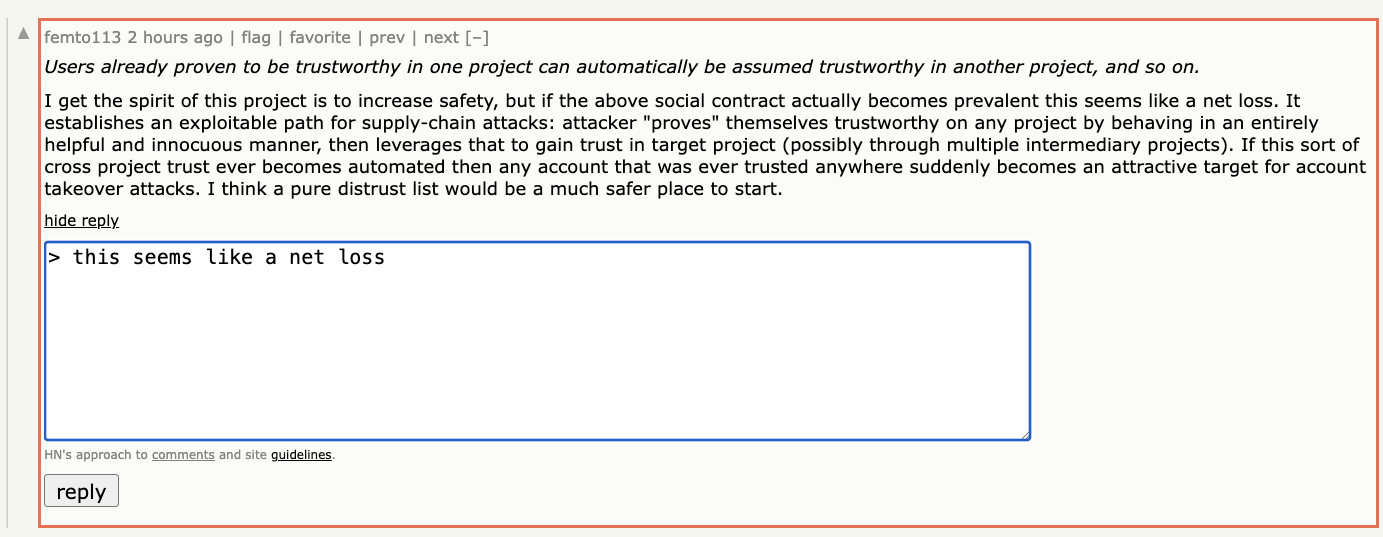
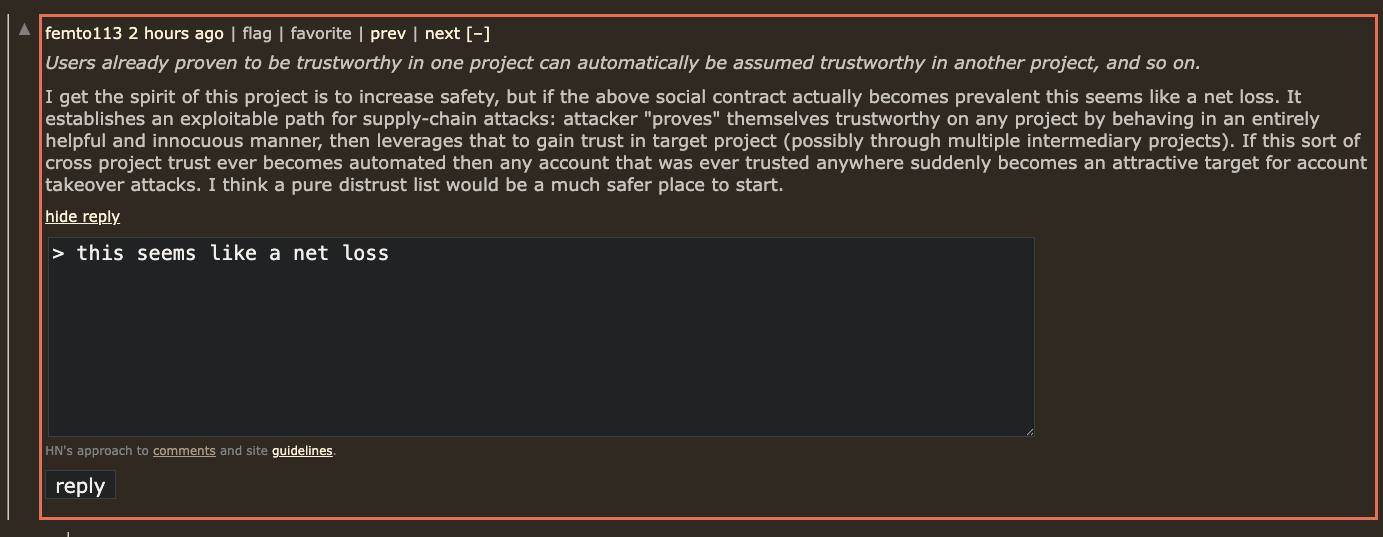
Reply directly inside comment threads and quote selected text with one action.
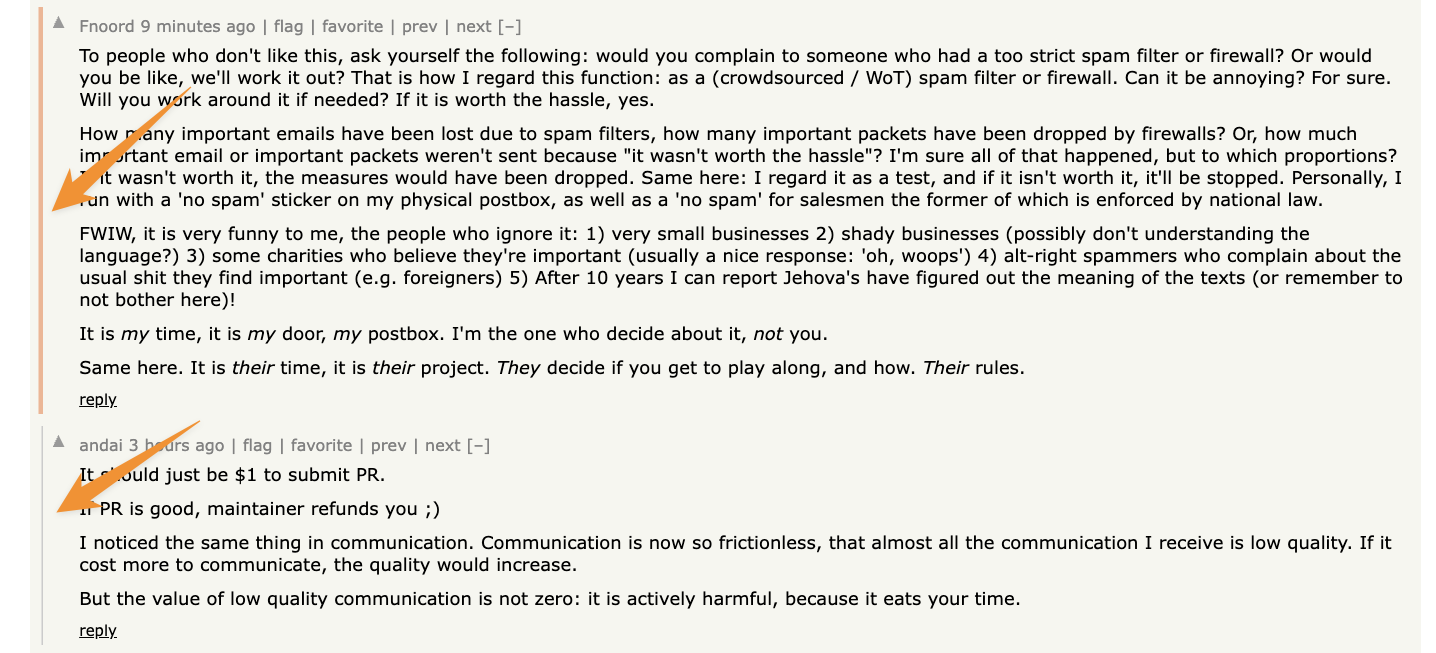
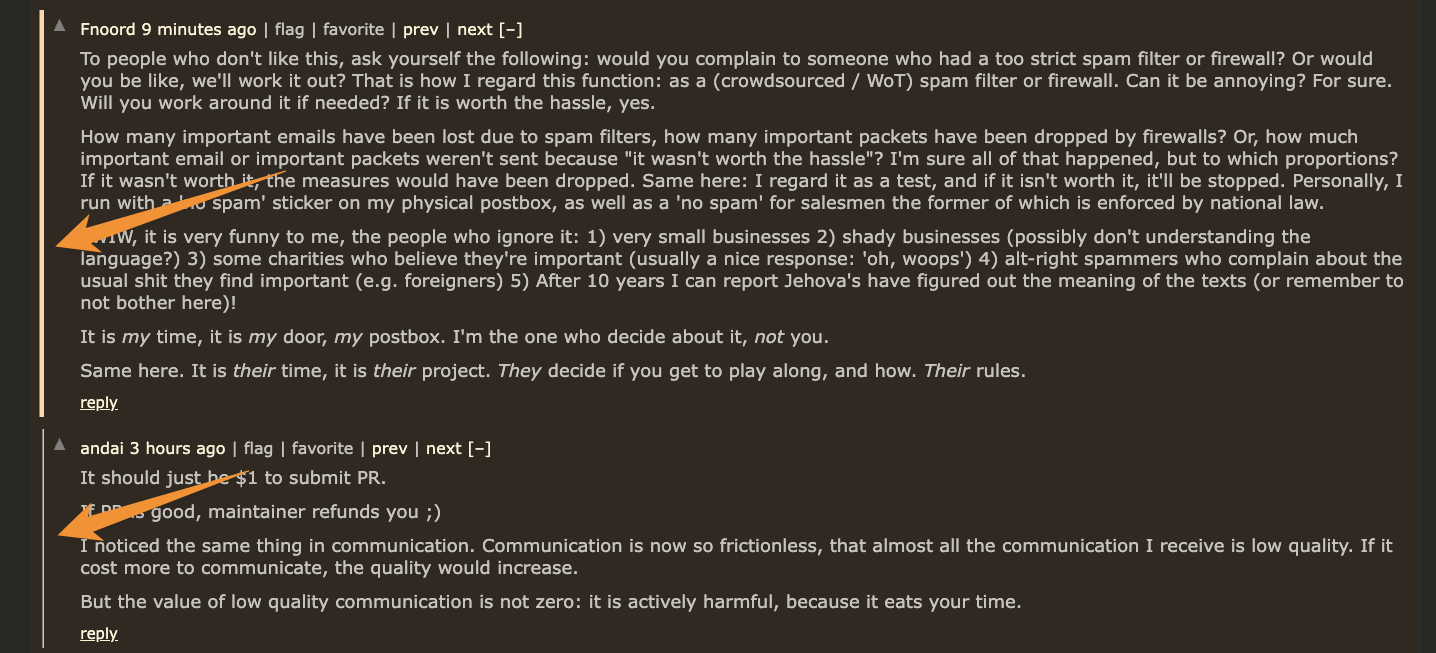
Quickly spot what changed since your last visit without rescanning the entire thread.
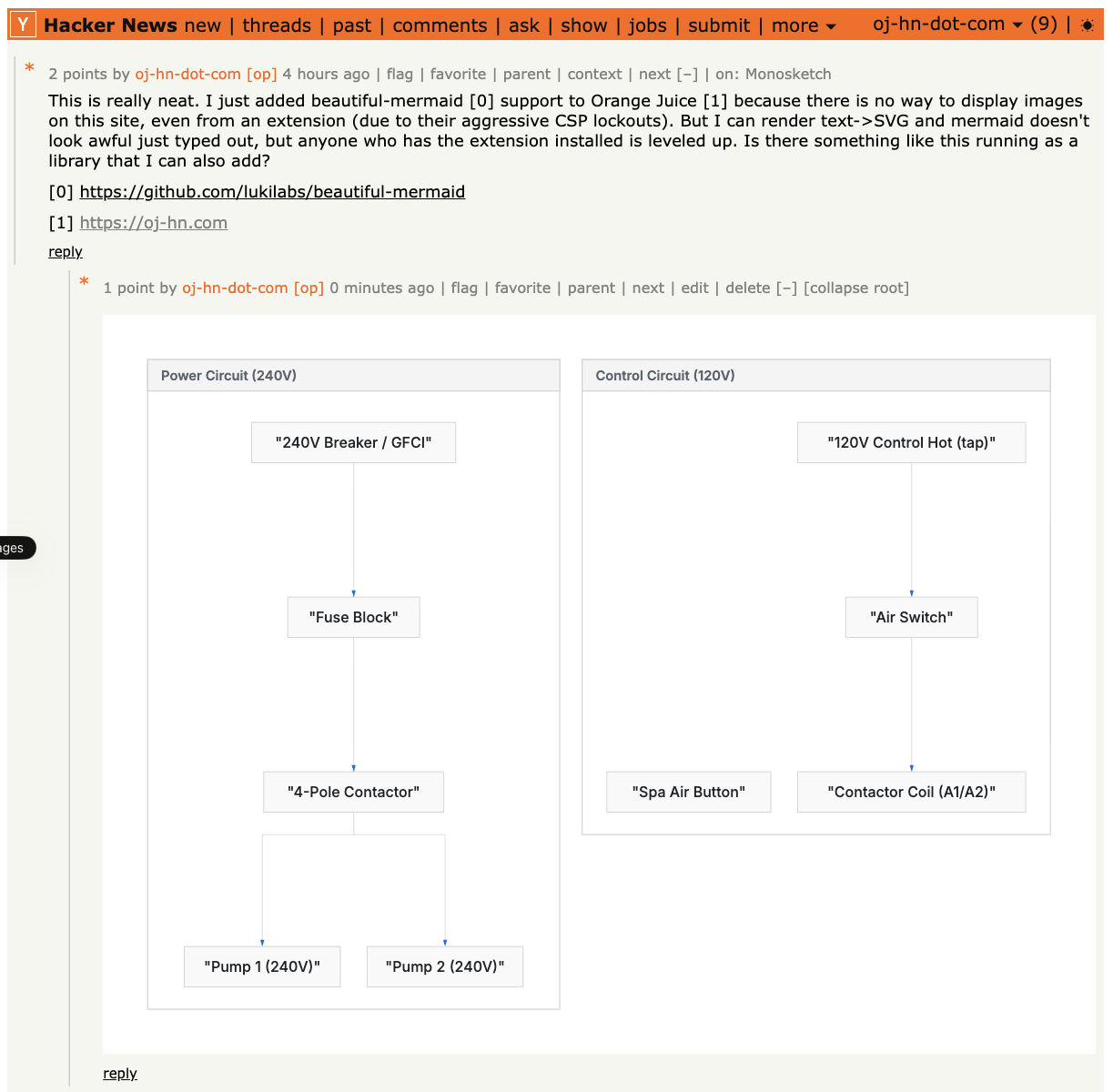
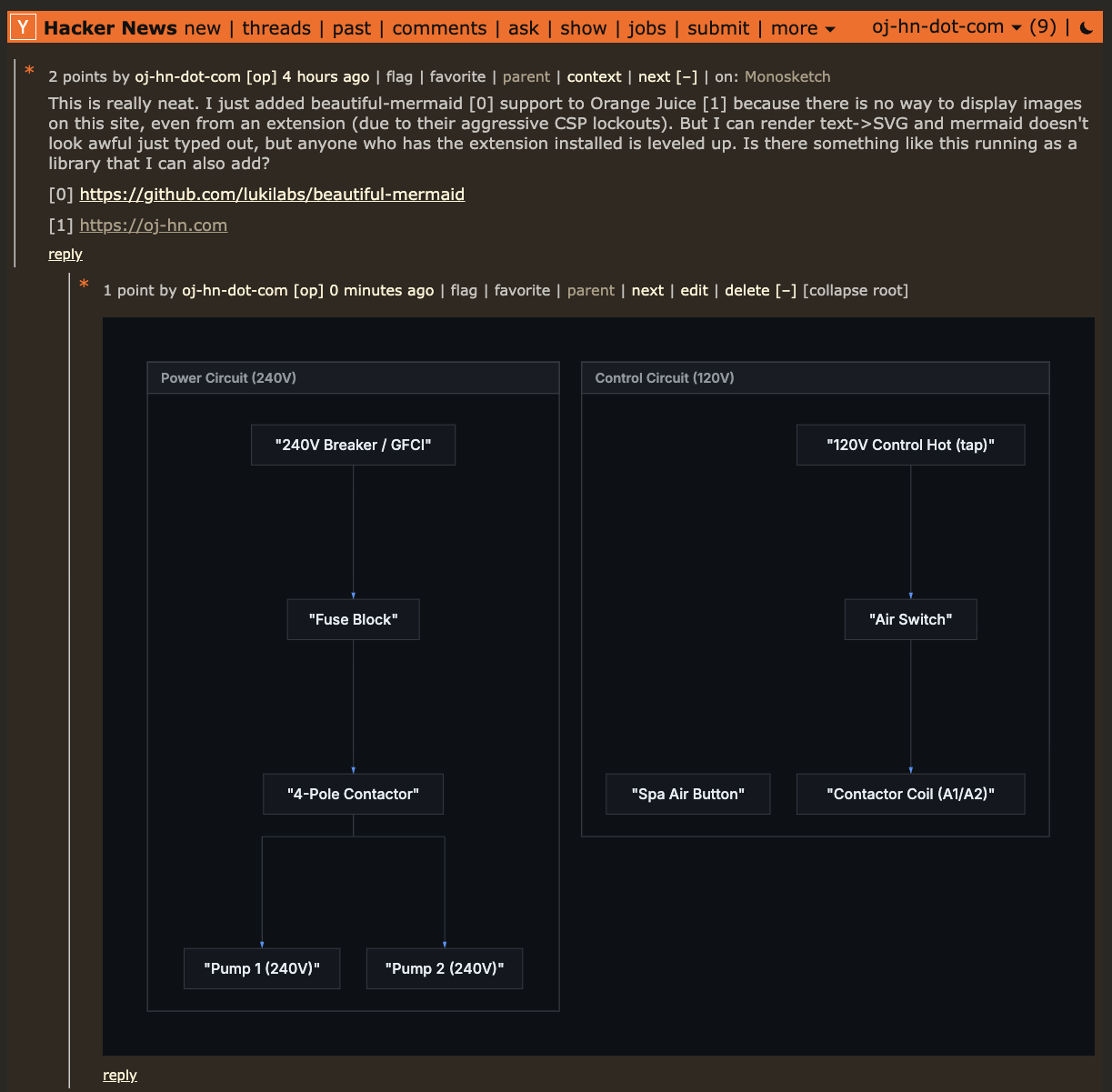
Render Mermaid code blocks into readable diagrams directly in threads.
Clear out items you already opened and focus your attention on new stories.

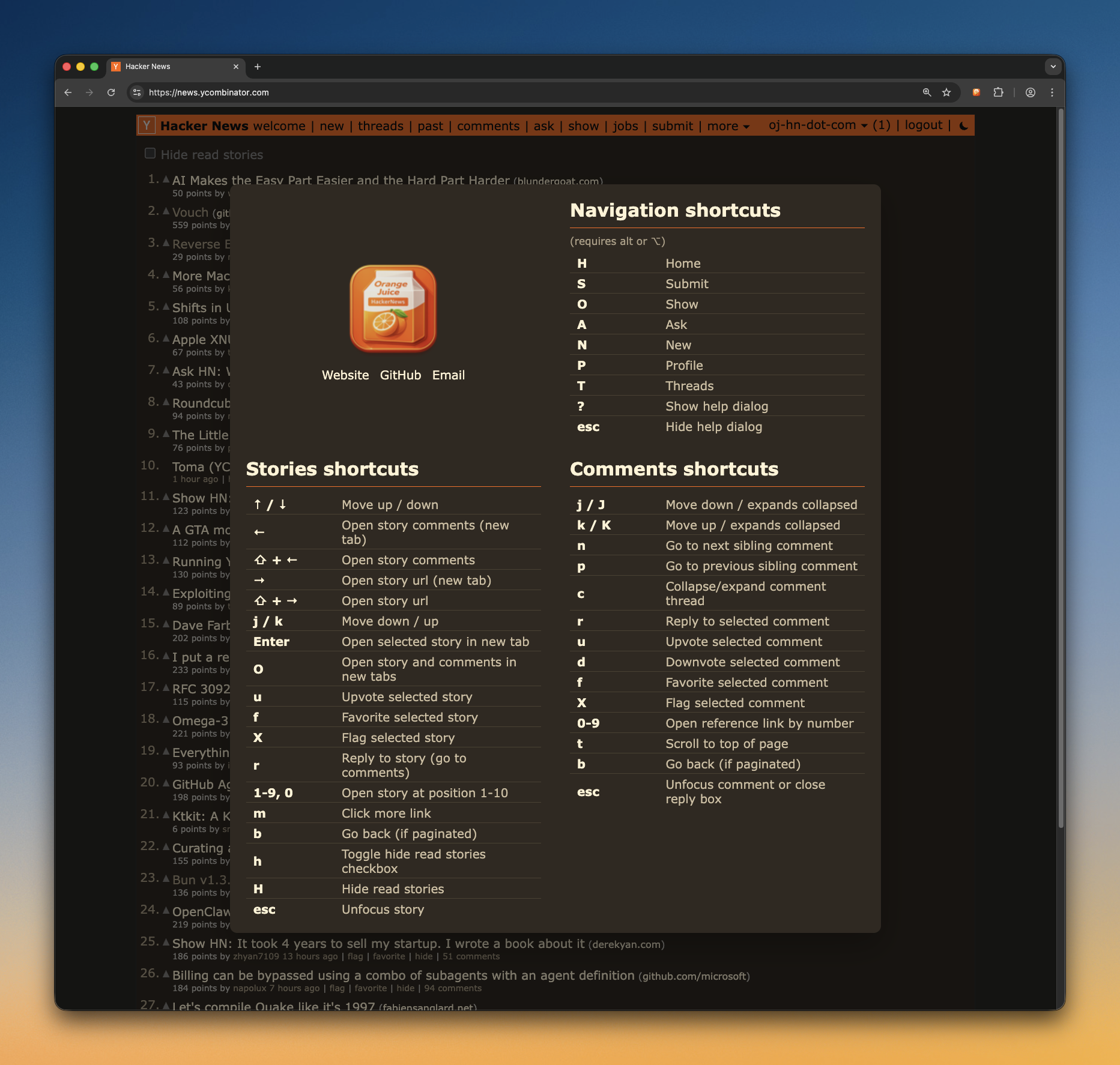
Move through stories and comments faster with keyboard shortcuts, so you can browse without constant mouse movement.
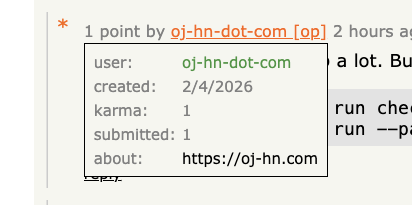
Hover usernames to quickly preview profile details and context without leaving the thread.
And too many other features to list.
Orange Juice is designed to be trustworthy by default:
transparent code, clear licensing, and disciplined development.
The full source code is public under the GPLv3 license, so anyone can inspect how it works, verify behavior, and contribute improvements.
AI is used as a pair programmer to speed up implementation and review, but architecture and final decisions are human.
The extension has extensive unit test coverage, quality checks, and automation through CI/CD. This project is intentionally not vibe coded.
Recommended Setup Path
Install from GH releases first. We realize this isn’t ideal since you’ll need to update manually, but it gets you fixes and features faster while things are moving quickly during this initial development phase.
Web stores (secondary): Chrome Web Store ·Firefox Add-ons (coming soon)
Download the latest release
Visit the
releases page
and download the
.zip
file for your browser.
Install in Chrome
chrome://extensions/
.zip
file
Install in Firefox
about:debugging#/runtime/this-firefox
manifest.json
file